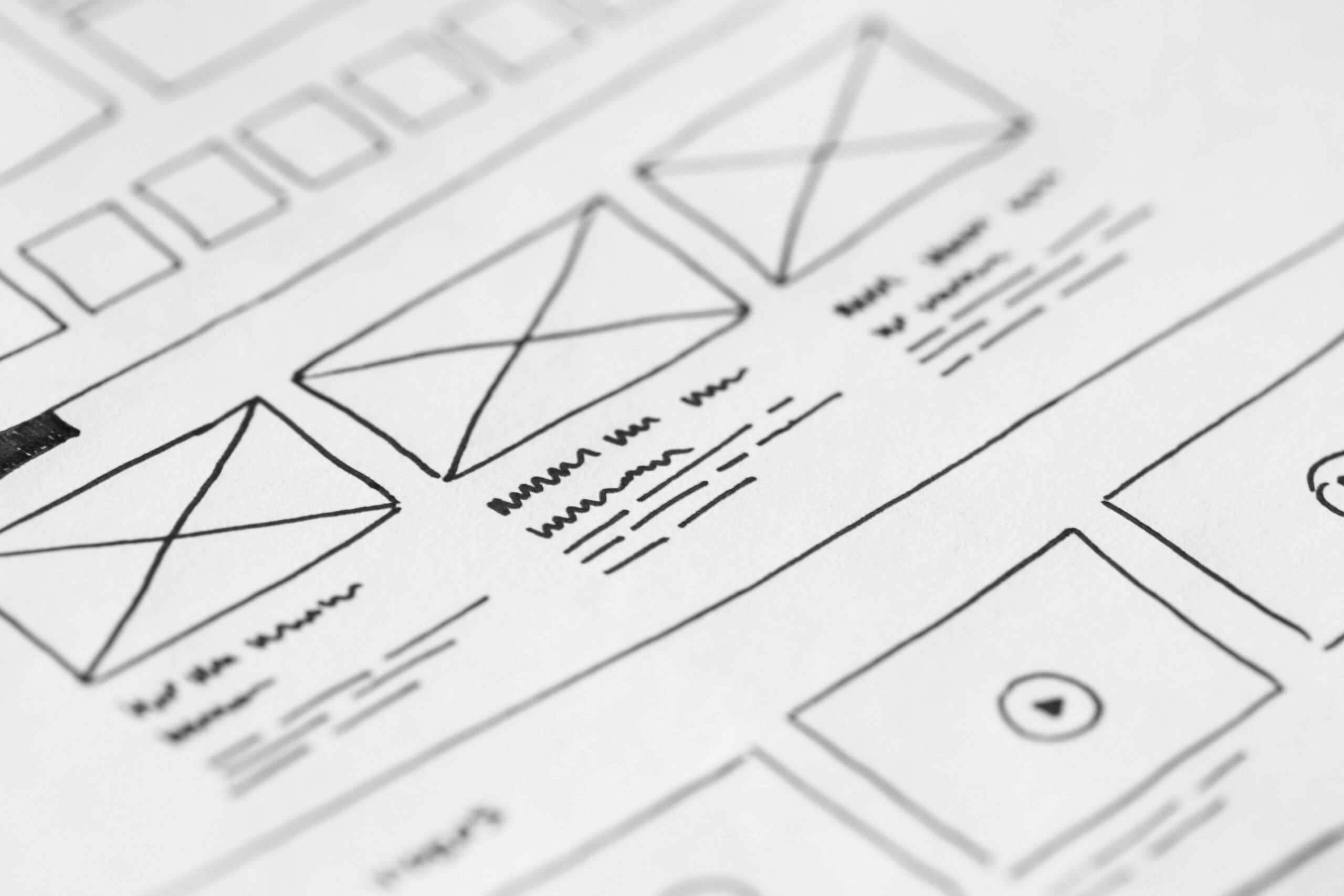
A website redesign for a small business fails when it is treated as a cosmetic refresh. It succeeds when it is planned around what visitors actually need, what search engines can understand, and what your business needs to sell. This guide walks you through a complete, practical website redesign process built for small teams and modest budgets, from the first audit to the day you relaunch without losing rankings, customers, or money.
When Is It Time to Redesign Your Website?
The urge to redesign usually comes from a feeling, but launching the project should be a decision based on evidence. Before you spend time and budget, look for concrete signals that your current site is underperforming. Some of these signals are visible in your analytics, others are visible when you look at the site with honest eyes.
An outdated design is only part of the picture. A site that fails to convert, loads slowly, breaks on phones, or disappears from Google is not a cosmetic problem; it is a business problem. Redesigning to fix those issues pays for itself, while redesigning for aesthetics alone rarely does.
Signs Your Current Website Is Underperforming
Start with the numbers you already have. If your analytics show a high bounce rate on key pages, low time on page, or a steady decline in organic traffic, your website is working against you. If contact form submissions or online orders have dropped while your business is healthy, the website is likely the bottleneck.
Look at the pages people actually visit. If visitors land on your homepage and leave without clicking anywhere, your first impression is failing. If service pages get traffic but no inquiries, your content is not answering the questions that matter. These patterns tell you exactly what the redesign must fix.
Outdated Design vs. Real Business Problems
Not every redesign needs to be a full rebuild. A site with a solid structure, good content, and strong rankings may only need a visual refresh: updated colors, modern typography, cleaner spacing. Recognize the difference before you commit to a project that disrupts a working asset.
A full redesign is justified when the foundation itself is weak. That means a broken layout on mobile, a confusing navigation, a slow hosting setup, or content that no longer reflects what you do. Fixing the foundation is where a redesign creates lasting value for a small business.
Website Redesign Process: Step-by-Step for Small Business
A successful redesign follows a clear sequence. Each step protects the value you already have, especially your search rankings and your customer’s trust. Work through the steps in order, and resist the temptation to skip the planning phase for the excitement of the visual work.
Step 1: Audit Your Current Website and Analytics
Before you change anything, understand what you have. Document every page, note which ones drive traffic and conversions, and record your current rankings and visitor numbers. This audit becomes your baseline, the reference point that proves whether the redesign worked.
Review your analytics for the last twelve months. Identify your best content, your top landing pages, and the paths visitors take to contact you or buy. The redesign should protect these assets and amplify them, not scatter them.
Step 2: Set Clear Goals and Success Metrics
A redesign without goals is decoration. Decide what the new website must achieve: more inquiries, more online sales, more newsletter signups, or better search visibility. Write down two or three concrete goals and the metric you will use to measure each one.
Make the goals specific and realistic. “Increase contact form submissions by thirty percent” is a goal. “Have a nicer website” is not. Clear goals also keep the project on budget, because every design decision can be tested against them.
Step 3: Map Your Content and Structure
Your site structure is the skeleton of the redesign. Review your pages, decide what stays, what changes, and what disappears, and organize everything into a clear hierarchy. A visitor should be able to understand what you do and how to reach you within seconds of arriving.
Create a simple sitemap before any visual work begins. Group related pages, keep the main navigation short, and make sure every business-critical page is reachable in three clicks or fewer. This structure drives both user experience and search engine understanding.
Step 4: Design, Build, and Test
With structure in place, the visual work can begin. Start with a mobile-first approach, because most of your visitors will arrive on a phone. Test every page on real devices, check load speed, and make sure forms and buttons work exactly as expected before launch.
Involve real users in the testing. Ask customers, friends, or colleagues to complete a simple task on the new design, like finding your services or sending an inquiry. Their feedback will reveal friction that internal testing misses.
Step 5: Launch and Monitor
Launch day is the beginning, not the end. Plan the switch carefully, preserve your URLs, and watch your traffic and conversions closely in the weeks after launch. The early period tells you quickly whether something broke and what needs adjustment.
Keep monitoring after the first month. Compare your post-launch metrics against the baseline from Step 1, and refine the design based on real behavior. A redesign improves over time when it is treated as a living project.
Website Redesign and SEO: How to Avoid Losing Rankings
The greatest risk in any redesign is destroying the search visibility you have spent years building. Rankings are tied to URLs, content, and technical signals, and all three can be damaged by careless changes. Protecting them is not optional; it is the difference between a redesign that grows your business and one that sets it back.
Preserve Your URLs and Set Up Redirects
Whenever possible, keep your existing URLs exactly as they are. If a page must move, set up a permanent 301 redirect from the old address to the new one. This transfers both visitors and search value to the new location, instead of sending them to a dead end.
Build a complete list of your current URLs before you start. After launch, test each one to confirm it resolves correctly. Broken links from a redesign are a silent ranking killer, and they are entirely avoidable with proper planning.
Keep Your Content and Improve It
Your existing content is a ranking asset. Do not delete pages simply to make the site feel new; rewrite, improve, and consolidate them instead. Update outdated information, add the questions your customers actually ask, and strengthen the content that already performs.
If you must remove pages, do it deliberately. Redirect each removed URL to the closest relevant live page, and update your internal links so visitors and search engines always find a useful destination.
Technical SEO Checks Before Launch
Before you launch, verify the technical foundations. Confirm your site is mobile-friendly, page speed meets basic benchmarks, and your sitemap is updated and submitted. Check that title tags and meta descriptions are in place for your key pages, because these drive both rankings and click-through rates.
Test structured data, verify that Google can crawl your site, and fix any broken resources before the new design goes live. A clean technical launch lets your rankings recover quickly instead of scrambling after the fact.
Cost of a Website Redesign for Small Business
Website redesign costs vary enormously, which makes budgeting confusing. The honest answer is that cost depends on scope, and scope depends on whether you need a visual refresh, a structural rebuild, or a full custom build with new features. Understand what drives the price, and you will avoid both overpaying and underinvesting.
What Determines the Cost of a Redesign
The main cost drivers are the number of pages, the level of design customization, the complexity of features, and whether you need new content or copywriting. A template-based redesign on an existing platform is the budget option, while a fully custom design with integrations is the premium path.
Ongoing costs matter too. Hosting, maintenance, and future updates are part of the real cost of a website. A professional, well-maintained site is an operating asset, not a one-time purchase.
Budget-Friendly Redesign Options
Small businesses have solid options at every budget. If you already use a website builder, a well-chosen premium template and a careful content overhaul can deliver a dramatic improvement at low cost. If your site is on WordPress, a modern theme plus thoughtful configuration often achieves the same result.
Whatever route you choose, prioritize the fundamentals: fast loading, mobile experience, clear navigation, and strong conversion paths. These deliver more business value than any decorative flourish, and they work regardless of the budget behind them.
Web Design Trends for Your Redesign
Trends are useful when they serve your goals and your audience, and irrelevant when they exist only for their own sake. For a small business, the best approach is to adopt the few trends that improve usability, build trust, and make your content easier to consume, and to ignore the rest.
Design Trends That Improve Usability
Prioritize trends grounded in usability: clean layouts with generous white space, a clear visual hierarchy, consistent spacing, and readable typography. Mobile-first design is no longer a trend but a baseline requirement, and fast, lightweight pages remain a permanent advantage.
Accessibility is the trend that pays off everywhere. Contrast that meets readability standards, keyboard-friendly navigation, and descriptive text for images help every visitor and signal quality to search engines.
Trends to Be Careful About
Be skeptical of trends that sacrifice speed, clarity, or accessibility. Heavy animation, autoplaying media, and unconventional navigation may look impressive in a portfolio but frustrate real customers who just want answers. Every element should earn its place by helping a visitor act.
When you do adopt a trend, adopt it consistently. A design language that mixes too many styles reads as unprofessional. Choose a direction, apply it everywhere, and keep the site cohesive.
Website Redesign Checklist for a Smooth Launch
A checklist turns launch anxiety into a repeatable routine. Work through these items before you go live, and the transition will be smoother, faster, and far less risky. Keep this list handy from the start of the project and review it as each phase completes.
Before You Start
Set your goals and metrics. Audit your current site and document every URL, page, and ranking you have today. Create a backup of your current website, including content and database, so you can always restore the old site if needed.
Define the scope clearly: what changes, what stays, and what gets removed. Agree on the timeline and the budget with everyone involved, and name the single person responsible for decisions.
During Development
Test on real devices, including phones and tablets. Verify that every form works, every link resolves, and every page loads quickly. Check your site structure against your sitemap and confirm nothing important is missing.
Review the content with fresh eyes. Update outdated information, proofread everything, and make sure each page has a clear call to action. Confirm your analytics and tracking tools are installed on the new design.
After Launch
Monitor your traffic, rankings, and conversions daily for the first two weeks. Check your analytics for unexpected drops, test your key pages across devices, and verify that forms and payments are working. Use a rank tracking tool to confirm your keywords held their positions.
Document what you learn in the first month and schedule a review. A redesign should be measured and refined, not launched and abandoned.
Common Website Redesign Mistakes to Avoid
Most redesign problems are predictable, which means most can be prevented. Knowing the common mistakes in advance keeps your project on track and protects the value of your existing site.
Designing for Yourself Instead of Your Customers
It is easy to redesign a website for your own taste, but your visitors have their own needs. Every design decision should be tested against one question: does this help a customer understand, trust, or act? When in doubt, choose clarity over cleverness.
Ignoring Mobile Users
Mobile is where most of your traffic lives, and a site that ignores it loses customers daily. Design mobile-first, test on real devices, and treat the mobile experience as the primary one rather than an afterthought.
Deleting Content That Ranks
Your ranking pages are valuable assets. Removing or rewriting them without thought destroys organic traffic that took years to build. Audit what performs, preserve it, and redirect anything that changes.
Skipping Testing Before Launch
Launching without thorough testing turns small problems into visible failures. Test links, forms, pages, and devices before the switch, and be prepared to fix issues quickly in the days that follow.
Website Redesign Before and After: What to Measure
The only way to know a redesign worked is to measure it against your baseline. The right metrics depend on your goals, but a few core numbers give you a complete picture of the project’s impact.
Traffic and Engagement Metrics
Track organic traffic, page views, bounce rate, and average session duration. Compare them to the baseline from your audit. Increases in traffic and engagement indicate that both visitors and search engines respond positively to the new design.
Look beyond the homepage. Check how individual service pages and blog posts perform, because the redesign should lift the whole site, not just the first screen.
Conversion and Revenue Metrics
Conversions are the bottom line of any redesign. Measure contact form submissions, phone calls, online orders, and newsletter signups against your baseline. If conversions rise, the redesign is paying for itself; if they fall, investigate the friction quickly.
Where possible, connect conversions to revenue. A redesign that increases inquiries but attracts the wrong ones is still a partial win. Quality, not just quantity, is the measure that matters.
Technical Performance Metrics
Core Web Vitals tell you how the new design performs in technical terms. Track loading speed, interactivity, and visual stability, and compare them against the old site. Fast, stable pages support both rankings and conversions, so improvements here compound over time.
Run regular performance checks after launch, because speed can drift as content and plugins accumulate. Keep the technical foundation healthy and the business results will follow.
Website Redesign Ideas for Small Business Websites
Inspiration helps translate the process into your specific business. Use these ideas as a starting point, then adapt them to your industry, your services, and your customers.
Service Business Redesign Priorities
For a service business, the redesign should lead with proof and clarity. Show your services, your process, your results, and the fastest way to get in touch. Prominent testimonials, before-and-after examples, and a simple quote request flow convert visitors into clients.
E-commerce Redesign Priorities
For an online store, the redesign should reduce every step between wanting and buying. Streamline product pages, make checkout fast and obvious, and display trust signals such as reviews, shipping details, and return policies. Mobile speed is decisive for e-commerce customers.
Local Business Redesign Priorities
For a local business, the redesign should convert nearby searchers into visitors. Lead with your location, your hours, and your contact details. Make your Google Business Profile consistent with the site, and include local proof such as reviews and photos of your team and premises.
Frequently Asked Questions About Website Redesign
How often should a small business redesign its website?
There is no fixed timeline; redesign when the site stops serving your goals, not on a calendar schedule. Most small businesses refresh content and branding every few years, but a full rebuild is only justified when the foundation underperforms.
Will a redesign hurt my SEO?
Only if it is done carelessly. Preserving URLs, setting up redirects, and keeping your content protects your rankings. A well-planned redesign often improves SEO by fixing technical issues and strengthening content.
Can I redesign my website myself?
Many small businesses successfully redesign their site with website builders and templates, especially for a refresh. For structural rebuilds, advanced functionality, or complex content, professional help usually delivers better results and protects your time.
How long does a website redesign take?
A template-based refresh can take a few weeks, while a custom rebuild with new content typically takes one to three months. The timeline depends on scope, content readiness, and how quickly decisions are made.
What should I do with my old website during the redesign?
Keep it live and healthy until the new site is ready to launch. Your old site is still driving traffic and conversions, and keeping it running protects your rankings and your revenue through the transition.
How do I know if my redesign worked?
Compare the numbers before and after: traffic, engagement, conversions, and technical performance against the baseline you recorded at the start. When those metrics improve, the redesign has worked.
Conclusion: Redesign Your Website as an Investment
A website redesign is not a decoration project; it is a business investment. Done properly, it increases inquiries, lifts search visibility, and turns more visitors into customers. Done carelessly, it costs money, destroys rankings, and confuses the people who need you most.
Your next step is to start the audit, the step every successful redesign begins with. Document your current site, set your goals, and protect the value you already have. With a clear plan and a focus on your customers, your new website can become the strongest marketing tool your business owns.