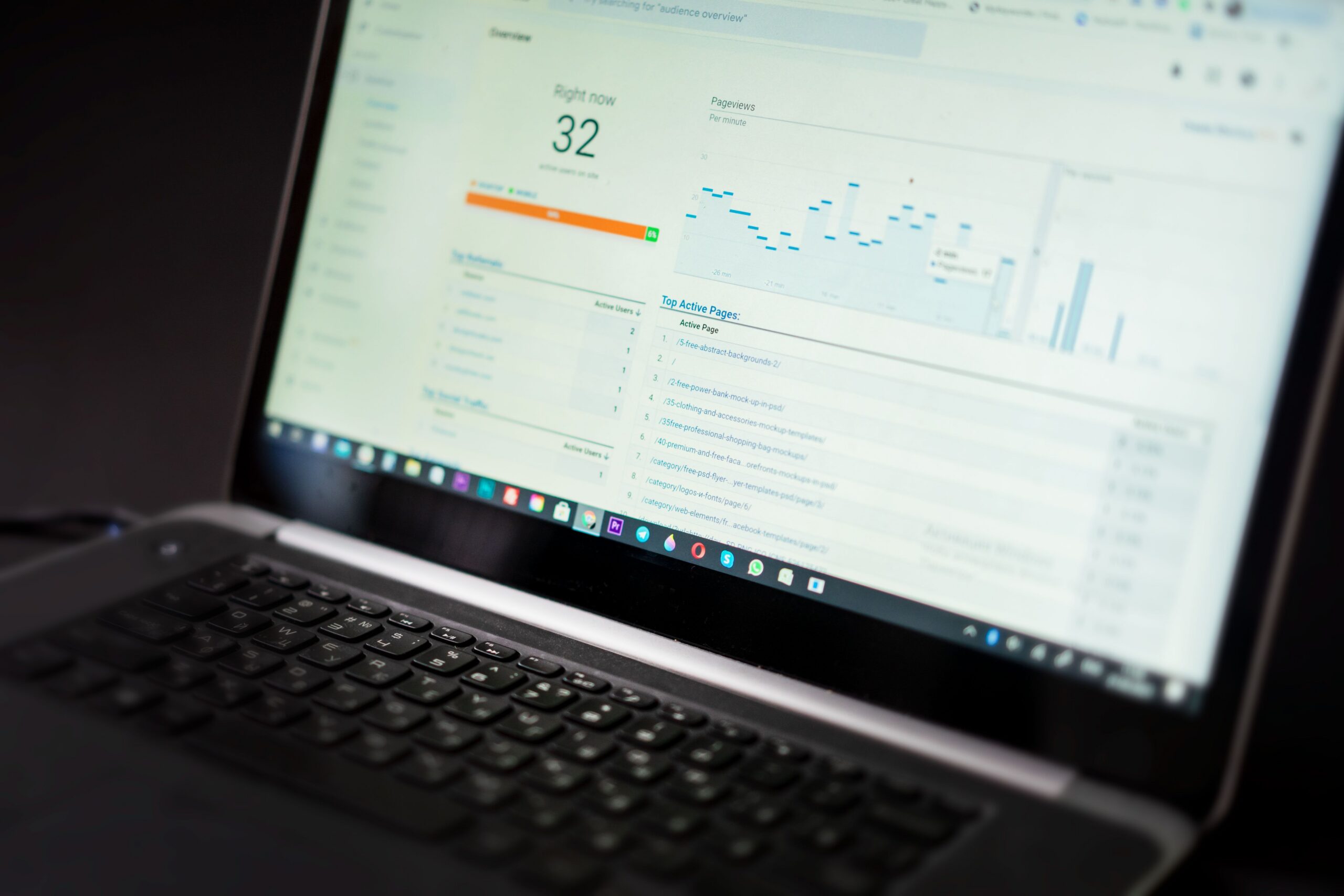
Website analytics is the practice of measuring what happens on your website: how many people visit, where they come from, what they do, and where they leave. For a small business, it is the difference between guessing at marketing and knowing. This guide explains the numbers that actually matter, how to set up analytics without getting lost, and how to read the reports like a business owner, not like a data scientist.
The short version is that you need to know five things about your website: how many visitors you get, where they come from, which pages they see, what they do next, and how often they become customers. Everything else is detail. If you can answer those five questions for your own site, you are already ahead of most small businesses.
Why Analytics Matter for a Small Business
Marketing without measurement is a gamble. You publish posts, run ads, and update your site, but if you never check what happened, every month is a fresh guess. Analytics turns those guesses into decisions, because it shows which efforts bring people and which efforts bring nobody.
The second reason is waste. Most small businesses spend money or time on channels that quietly do nothing. Without data, that waste continues indefinitely, because there is no signal. With a working analytics setup, the signal is clear: this page gets traffic, that page does not, this campaign brought customers, that one brought only clicks. The fix is usually painful but simple, stop doing what the numbers show is not working.
The third reason is confidence. When you know your numbers, you stop reacting to every piece of advice and every trend. A video trend that does not fit your audience is easy to ignore when the data shows your customers come from search. Analytics gives a business owner permission to focus, and focus is what small businesses need most.
The Five Numbers That Matter Most
Dashboards show hundreds of metrics, and almost all of them are noise for a small business. The five below answer the questions that matter, and they are enough to run the business for years. Learn these first, and ignore the rest until you need them.
Visitors
This is the total number of people who reach your site, usually measured over a month. It answers the question: how many people are we reaching? Watch the trend, not the daily number, because a single spike from a lucky post can hide a flat baseline. Three consecutive months of growth is a real signal; one big week is not.
Traffic Sources
This tells you where visitors come from: search engines, social media, ads, email, or direct visits. It answers the question: which channels actually work for us? Most small businesses discover that one or two channels deliver almost all of the meaningful traffic, and the others are hobbies. That discovery is worth more than the tool that made it.
Top Pages
This lists the pages people actually see. It answers the question: what does the website do for us? If the top page is your homepage and nothing else, the site is under-used. If a service page or a guide ranks well, you know what to create more of. The top-pages report is a content plan disguised as a list.
Conversion Rate
This is the share of visitors who take the action you want: filling a form, booking a call, or buying. It answers the question: how well does the site turn attention into action? A low conversion rate means the problem is the site or the offer, not the traffic. This is the number that connects marketing to revenue.
Customer or Lead Count
This is the outcome number, the people who actually contacted you or bought. It answers the question: is any of this making money? Some tools let you track this automatically; otherwise, count manually and record it monthly. This is the only number that ultimately matters, and the others exist to improve it.
Setting Up Analytics Without Getting Lost
The most common failure with analytics is not setup; it is overwhelm. People install the tool, open the dashboard, see a hundred charts, and close it for good. The way to avoid that is to set up the minimum, then use the tool like a checklist, not like a mystery box.
Start with one analytics tool. For most small businesses, Google Analytics is the standard choice because it is free and complete, but the advice here works with any tool, including simpler ones built into website platforms. Install the tracking code on every page of the site, ideally through your website builder or a plugin, and verify it works by visiting the site yourself and checking that the visit appears.
Then configure the essentials: set the timezone and currency correctly, exclude your own visits so your numbers are not inflated, and define the conversion action, such as a form submission or a button click, so the tool can count it. This takes an hour once, and it is the difference between a dashboard you trust and a dashboard you ignore.
Understanding Traffic Sources
Traffic sources are where beginners learn the most, because the labels hide the real story. The main categories are organic search, social, paid, email, and direct. Each one behaves differently, and knowing the difference changes what you do next.
Organic search is the traffic that comes from Google and other search engines, and it is usually the most valuable, because these visitors are actively looking for something. Social traffic is visitors from platforms like Facebook and Instagram, and it tends to be more casual, which is fine for awareness but rarely converts directly. Paid traffic is what your ads bring, and it should be measured against what you spent. Email traffic is your own audience, the people who already know you, and it converts better than almost anything else.
Direct traffic is the tricky one. It shows visits with no obvious source, which usually means people typed your address, used a bookmark, or clicked a link that lost its tracking. If direct traffic is large and unexplained, your other channels are probably under-reported, and it is worth checking how your links are built. A small share of direct traffic is normal; a huge share is a clue.
How to Read a Monthly Report
Reading analytics well is a habit, not a skill. Block thirty minutes at the end of each month and walk through the same four questions in the same order. Consistency matters more than depth; the same questions every month build a picture that guesses never can.
First, what changed in traffic? Compare this month to last month and to the same month a year ago, if you have the data. A change is not good or bad until you know its cause, so look at the source breakdown. Second, which pages grew or shrank? A rising page is a clue about what your audience wants; a falling page is a warning about a change you made or a shift in search behavior.
Third, what did the conversions look like? Count the leads or sales and note the conversion rate. Fourth, decide one action for next month: one change to test, one page to improve, or one channel to give more attention. A monthly report that ends with one decision is more useful than a dashboard you browse for an hour and forget.
Making Sense of High Traffic and Low Results
The most confusing situation for a small business is high traffic that produces few customers. The numbers say people come, and the cash register says nobody buys, and the gap feels mysterious. It is usually one of three problems, and each has a different fix.
The first problem is the wrong audience. The traffic comes from content or ads that attract people who are curious but not buyers, such as a viral post that brings onlookers. The fix is to check the sources and the top pages: if the traffic is all from a channel that does not match your customer, invest where your customers actually are.
The second problem is a leaky site. Visitors arrive with intent and leave because the page is slow, the message is unclear, or the action is hard to find. The fix is on the page: a clearer headline, a visible call to action, a shorter form. The third problem is a weak offer or price, and no amount of traffic fixes that. The data cannot tell you the offer is wrong directly, but when traffic is healthy, sources are right, and pages are clear, the remaining variable is the offer itself.
Analytics Tools for Small Business
The tool matters less than the habit, but a few patterns are worth knowing so you choose sensibly. The table below shows the common approaches and where each fits, based on how they typically serve small businesses today. Treat it as a starting point, not a verdict, because tools change and pricing moves.
| Approach | Best for | Examples | Cost range |
|---|---|---|---|
| Full analytics platform | Deep data, free at start | Google Analytics | Free to low |
| Simple site statistics | Quick overview, low complexity | Built-in stats, Jetpack | Free to low |
| Privacy-focused analytics | GDPR-friendly, lightweight | Plausible, Fathom | Low monthly |
| Business dashboard | Ads, sales, and marketing in one place | Google Ads, Meta, ecommerce dashboards | Varies |
The pattern is simple: start with one free tool, learn the five numbers, and only add more when a specific question cannot be answered. A business that knows its five numbers from one tool is better off than a business with five tools and no habit.
Common Mistakes with Analytics
Most analytics failures come from the same handful of mistakes, and they are easy to avoid once you know them. The first is checking the dashboard daily and reacting to noise, which leads to constant, pointless changes. The second is measuring everything and deciding nothing, drowning in charts that never end in an action.
The third mistake is comparing across different periods without adjusting, such as comparing a holiday month to a normal one. The fourth is forgetting to exclude your own visits, which inflates the numbers and breaks the trend. The fifth is tracking only visitors and never tracking outcomes, which feels productive and teaches nothing.
The sixth mistake is ignoring the source breakdown and celebrating total traffic that is mostly one-off curiosity. The seventh is treating the tool as a set-and-forget system, installing it once and never touching it, even when the site changes. Avoid these seven, and analytics becomes the reliable compass it is meant to be.
Analytics for Local and Service Businesses
Local and service businesses can lean on two reports that other businesses barely need: the devices report and the pages that matter for phone calls. If customers mostly visit on mobile, which is true for most local searches, the site must work perfectly on a phone, and the numbers will tell you whether it does. Watch the share of mobile visitors and check that the pages they land on load fast and show a clear way to call or book.
For service businesses, the most valuable signal is often hidden in a simple question: how many visitors actually reach the contact action? Whether that is a call button, a form, or a booking link, the analytics setup should count it as a conversion. A local business that tracks calls separately sees what the marketing reports miss: which channel brings conversations, not just clicks.
Pair the analytics with your Google Business profile insights, which show how people find your listing and what they do on it. The two together, website data and profile data, give a complete picture of local demand. When the website report and the profile report point in the same direction, you can act with confidence, and when they disagree, you know a tracking gap exists.
Frequently Asked Questions
Do I need Google Analytics for my small business website?
You need some form of measurement, but not necessarily the full Google platform. If you want depth and are willing to spend an hour on setup, Google Analytics is the strongest free option. If you want simplicity, a basic statistics tool built into your website platform may be enough to answer the five questions above.
What is a good website conversion rate for a small business?
For a service business with a simple form, conversion rates around two to five percent of visitors are common, though the range varies widely by industry and offer. What matters is the trend: improving your own rate by even a point is worth more than matching an average. Compare yourself to your own history, not to strangers.
How soon after setup will I see analytics data?
Instantly for basic visits, but meaningful trends take one to three months. A single week of data is noise, and even a month can be distorted by one lucky day. The habit to build is the monthly review, because the patterns you need only appear over time.
Can I measure results without a developer?
Usually yes. Website builders, WordPress plugins, and analytics platforms all offer installation methods that require no code, such as pasting a small snippet or using a plugin. If the task feels risky, most agencies and web professionals will set it up for you quickly, and it is a small one-time cost that pays for itself.
Is it legal to track visitors to my website?
Yes, with common-sense rules. Analytics tools anonymize data, and most regions require a privacy policy that mentions tracking. Cookie consent banners are required in many places. Using standard tools, telling visitors what you collect, and respecting their choice keeps you on the right side of the rules.
What should I do if my traffic drops suddenly?
Check three things in order: whether the whole site is reachable, whether a tracking code broke, and whether a recent change caused it, such as a redesign, a new domain, or a penalty on paid ads. Look at the source breakdown to see where the loss came from. Most drops have a discoverable cause, and finding it is usually the fix.
Conclusion: Let the Numbers Guide, Not Rule
Website analytics is not a technical project; it is a business habit. Set up one tool, learn the five numbers that matter, and review them monthly with the same questions and one decision at the end. That routine turns a website from a brochure into a source of learning about your customers.
Your next step is small and concrete: install or check your analytics this week, set your conversion action, and block thirty minutes for the first monthly review. Then let the numbers do what they do best, point you toward what works, away from what does not, and down the road to more customers.