You do not need a design agency to produce professional visuals in 2026. AI image generation tools have matured to the point where a small business with no design staff can create product mockups, social media graphics, ad creative, and website heroes in minutes, at a fraction of the cost of stock photography or a freelancer. The catch is that the tools are easy to start and hard to master, and the ones that work commercially are not the ones with the biggest hype. This guide covers the practical side: which generators to use, how to write prompts that actually work, what you can legally do with the images, and a repeatable workflow that keeps your brand consistent.
What AI image generation is, and what it is not
Text-to-image AI models generate pictures from a written description. You type a prompt, the model produces an image, and you refine it until you get what you need. The technology behind the current generation is the diffusion model, which starts from noise and progressively removes it while following the description, trained on billions of images.
Here is the honest part. These tools are spectacular at producing usable first drafts, but they are not a replacement for taste, strategy, or consistency. A generated image can look stunning and still be wrong for your brand, wrong for your audience, or wrong in a way you only notice when a client points it out. The businesses that win with AI images treat the generator as a fast collaborator, not an oracle.
AI image generation is a skill of prompting, selecting, and editing, not of pressing a button. The people who get consistently good results spend more time choosing between outputs and fixing details than they do writing the initial prompt.
Why small business is the perfect use case
Stock photography is expensive when done right and generic when done cheaply. A single custom photo shoot for product imagery can cost hundreds of dollars per product, and licensing a good stock photo of “a team meeting” runs into repeated fees. For a business with a small catalog or a modest content calendar, the math changes with AI.
Consider the typical small business visual workload for one month: a handful of social posts, an email banner, a blog header, an ad creative set, and maybe a product or service graphic. Buying those individually from a designer or a stock library is slow and costly. Generating them with AI, on the other hand, takes a few hours of prompt work and a subscription that costs less than a single stock image bundle.
The real ROI of AI image generation for small business is not saving money on one image, it is the ability to produce variations and test more ideas. When a campaign concept costs almost nothing to visualize, you can afford to explore three directions instead of committing to one.
The best AI image generators for business in 2026
The tool landscape changes quickly, but the leaders are stable enough to compare. Here is how the main options stack up for commercial work.
| Strumento | Best for | Pricing | Commercial use | Watch out for |
|---|---|---|---|---|
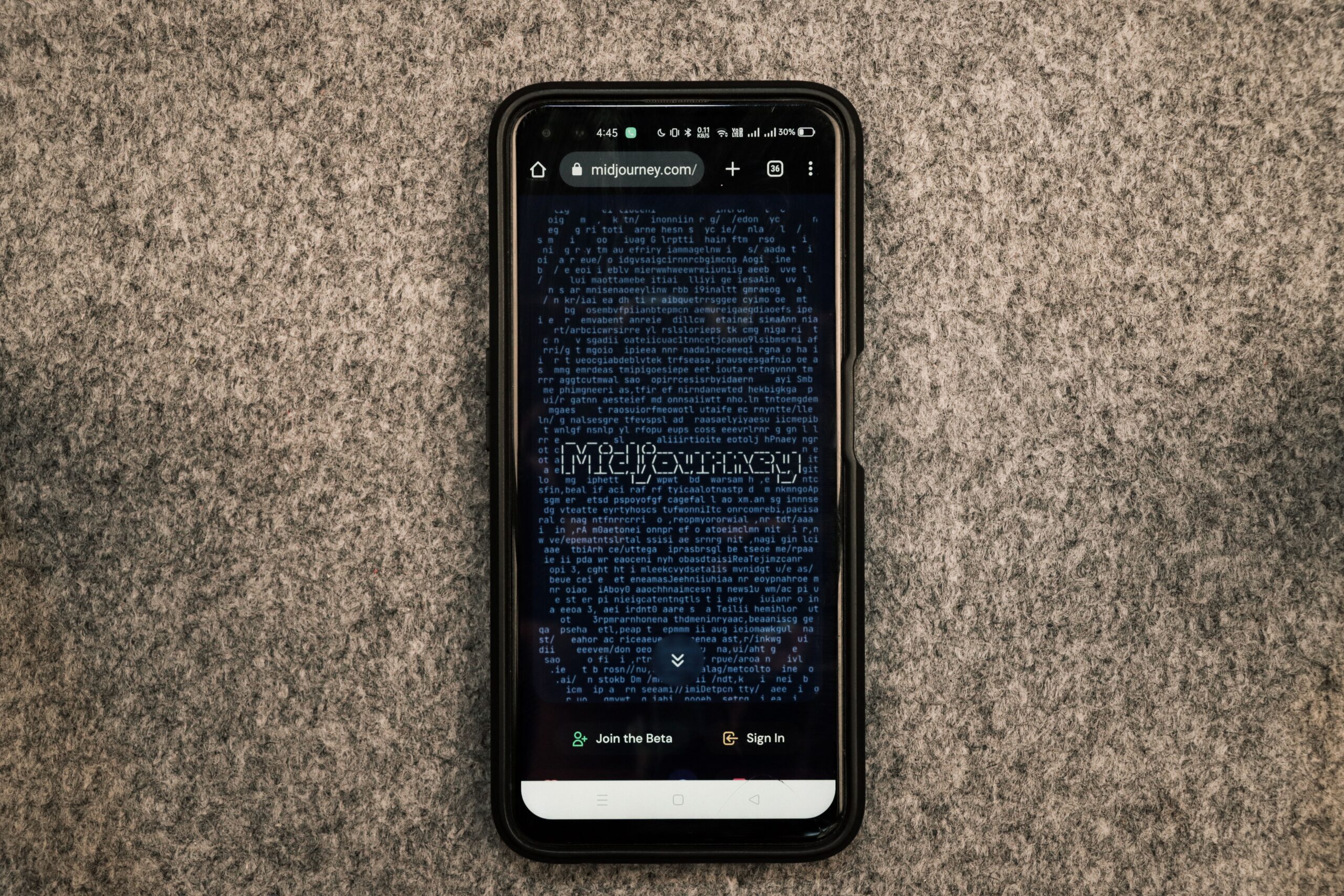
| Midjourney | High-quality artistic and lifestyle imagery | From $10/month | Yes, with paid plan | Less precise with text and complex instructions |
| DALL-E (via ChatGPT) | Following detailed instructions, text in images | Included with ChatGPT Plus | Yes | Output can feel generic without strong prompting |
| Adobe Firefly | Commercial safety, editing existing images | Credits with Creative Cloud plans | Yes, indemnification with enterprise | More conservative output |
| Stable Diffusion (local) | Full control, custom models, privacy | Free, needs a capable GPU | Depends on model license | Technical setup, not for beginners |
| Canva Magic Media | Non-designers inside a design tool | Included in Canva Pro | Yes | Less control over fine details |
For most small businesses, the practical choice comes down to Midjourney for premium lifestyle visuals and either Firefly or Canva for everyday marketing graphics. If you already pay for ChatGPT, DALL-E is effectively free and excellent for instruction-heavy prompts. Do not subscribe to three tools at once; master one high-quality generator and one integrated option, then expand only when a specific need appears.
Why model quality matters more than features
The current generation of models from the leaders is close enough in raw quality that the deciding factors are consistency, prompt adherence, and licensing. A tool that produces beautiful images but ignores your instructions will waste your time. A tool with slightly less polish but reliable behavior under your brand guidelines is worth more. Test with your own prompts, not with the marketing examples.
How to write prompts that produce usable images
Prompting is the difference between a toy and a tool. A good prompt describes four things: the subject, the style, the composition, and the technical quality. Most beginner prompts only describe the subject, which is why the results look generic.
A solid template looks like this: subject, setting, style reference, lighting, camera or lens, composition, and output details. For example: “a ceramic coffee mug on a wooden table in a bright Scandinavian café, product photography, soft window light, 50mm lens, shallow depth of field, centered composition, high resolution.” Each element narrows the output.
Here are the specific rules that improve results quickly:
- Name the style explicitly. “Product photography,” “editorial,” “flat lay,” and “studio shot” produce radically different results than “an image of a mug.”
- Specify the mood. “Warm,” “minimal,” “professional,” and “friendly” steer the lighting and palette.
- Give the model room for a hero. If you cram six objects into the prompt, the model will balance them badly. One clear subject works best.
- Use negative prompts where supported. “No text,” “no watermark,” and “no people” remove the most common failures.
- Iterate on the prompt, not against the model. Add a constraint, regenerate, and compare. Small prompt edits are more predictable than trying to fix a finished image.
A great prompt is specific about the style and the subject, and vague about everything you do not care about. Over-specifying every detail produces rigid, uncanny results; under-specifying produces wallpaper.
Common prompt mistakes and their fixes
Most bad AI images come from a handful of recurring errors. Telling the model “a beautiful logo for a bakery” will not give you a logo; it will give you a picture containing a bakery sign. Logos, icons, and anything requiring precise typography are better done with an integrated tool that renders text reliably, or with a human designer.
Another mistake is asking for photorealism for every use case. A minimalist illustration often communicates a service faster than a photo, and the model handles it more reliably. Match the visual style to the job, not to the tool.
A repeatable workflow for consistent brand visuals
Consistency is what separates a business that uses AI from a business that looks like it uses AI. Here is the workflow that keeps a brand recognizable even when every image is generated.
Step 1: Define your brand style once. Write down your color palette, the style keywords that describe your brand, and the camera language you want. Save this as a reusable prompt prefix. It is your brand style guide for the generator.
Step 2: Keep a seed or style reference. When you produce an image you love, most tools let you reuse its seed, or you can use the image itself as a style reference. That is how you keep future images in the same family.
Step 3: Generate in batches. Request four or more variations per concept instead of one. The cost of the generation is the same, and the odds of finding a usable output are much higher.
Step 4: Select, then edit, then upscale. Pick the best candidate, fix small details with editing tools, and upscale before you use it at a large size. Small errors look tiny in the preview and embarrassing on a billboard.
Step 5: Store and organize. Keep a folder structure by campaign and product, with the prompt saved alongside each final image. Three months from now, you will want to recreate the style, and you will not remember the exact wording.
The workflow matters more than the tool. Two businesses with the same generator will produce entirely different results if one has a documented process and the other prompts from scratch each time.
Copyright, licensing, and what you can legally use
This is the question that determines whether AI image generation is a business tool or a legal risk, and the answer depends on the tool, the plan, and the use case.
The general rule across the major commercial providers is that images generated on a paid plan can be used for commercial purposes, including products and marketing. Free tiers and trial plans often carry restrictions, and open-source models have their own licenses that vary. The one thing you should never do is assume: read the license for the specific tool and plan you use, and save a copy of it.
Paid subscription = commercial use, with conditions. Free tier = read the fine print. Open-source model = depends on the model license. These are not interchangeable.
There is also the question of output consistency with trademarks and real people. Generated images of real identifiable people, or images that mimic a specific artist’s style, create legal exposure that a prompt box will not protect you from. If the visual features a real person’s likeness or a recognizable trademark, have it reviewed before you use it commercially.
Finally, some marketplaces and advertising platforms require you to disclose AI-generated content, and a few disallow it entirely. Check the platform policies before uploading, especially for product images on strict marketplaces and for ad creative on platforms with content policies.
When AI images are the wrong choice
AI image generation is powerful and cheap, which makes it easy to use in places where it hurts. Knowing the limits is part of using the tool well.
Do not use AI generation for product photography when the product’s appearance is a selling point. A customer who receives a product that looks different from the image will return it, and the damage to trust outweighs the savings. Photograph real products when accuracy matters, and use AI for concepts and mockups instead.
Do not use it for your logo, your brand mark, or any asset where precise geometry and typography matter. AI generators are unreliable with text and exact shapes, and a logo that is almost right is worse than none.
Use AI for speed and variety where accuracy does not matter, and keep human control where accuracy does. That boundary is the practical skill.
Also be careful with consistency over time. If your brand visuals change with every prompt and every model update, your audience will not recognize you. The generator gets better every few months, but your brand should stay itself.
Measuring the results
AI image generation is only worth it if it moves a business metric. Decide what you are measuring before you generate, not after.
For social media, track engagement and saves, not just likes. For ads, compare click-through and cost per result between AI-generated creative and your previous creative. For e-commerce, watch conversion rate on product pages that use generated lifestyle or context imagery. In every case, run the AI variant alongside your existing approach and let the numbers decide, rather than assuming the novelty is the improvement.
The goal is not to generate more images; it is to generate images that perform. A single well-placed hero that lifts conversion is worth a hundred decorative posts.
FAQ
Is it legal to use AI-generated images for my business?
Generally yes, when you generate on a paid commercial plan from a provider that grants commercial rights. Free plans and open-source models have varying licenses, and output using real people’s likenesses or trademarked content carries separate risks. Always read and keep the license for the specific tool you use.
Can AI image generators replace my photographer or designer?
Not fully. They replace the cost of generating concepts, mockups, and marketing visuals, but product accuracy, branding, and precise design still need human judgment. Most small businesses end up using AI for volume and hiring professionals for the assets that matter most.
What is the best AI image generator for a beginner?
For most beginners, DALL-E inside ChatGPT is the easiest because it understands detailed instructions, and Canva Magic Media is the easiest if you already work inside Canva. Start with one, learn its behavior, and add Midjourney later if you need higher polish.
How do I get consistent brand images from AI?
Define a reusable brand style prompt, save the seed or style reference of images you love, and follow the same workflow every time. Consistency comes from the process, not from any single tool.
Do AI images hurt my search ranking?
Not by themselves. What matters is the same as always: relevant, accurate alt text, descriptive filenames, and fast-loading images. AI-generated images are treated like any other image by search engines.
Conclusion: start with one image that matters
AI image generation is the cheapest way a small business has ever had to produce marketing visuals, but only if you treat it as a craft. Start with a single high-value asset, a product mockup, a campaign concept, a hero image for your next landing page, and run it through the full workflow: brand prompt, batch generation, selection, editing, and measuring the result. Learn what your tool does well and where it fails, and let those lessons define how you use it next.
Your checklist:
- Pick one primary generator and learn it properly.
- Write your brand style prompt once and reuse it.
- Generate batches of four, select the best, edit, and upscale.
- Confirm the commercial license for your plan.
- Use AI for concepts and mockups, not for products where accuracy matters.
- Measure one metric for every generated asset.
- Save prompts and files so you can reproduce the style later.
Article updated: August 2026.