You can now produce a decent marketing video from a script and a laptop, with no camera, no studio, and no editor. AI video tools have crossed the line from demo to daily driver, and in 2026 a small business can publish a product explainer, a testimonial-style clip, or a social ad for the price of a coffee subscription. This guide walks you through what these tools actually do, what they cost, what still looks fake, and how to use them without burning your brand’s credibility.
Why AI video matters more for small business than for big brands
Big brands hire agencies. Small businesses make do. That has always been the gap, and AI is closing it faster than almost any other category of software.
Think about what a traditional video project requires: a script, a shoot, actors or a presenter, lighting, sound, editing, captions, and versions for every platform. A single polished minute can cost hundreds of dollars and take two weeks. For a business that wants one video per product or one video per campaign, that math never worked. So most small businesses just did not make video at all.
The data explains why that mattered. Video has dominated social reach and paid performance for years, and the platforms keep prioritizing it. Owners who skip video are not skipping a nice-to-have; they are skipping the format most likely to be seen. AI does not replace the need for a good message. It removes the production bottleneck that stopped the message from existing.
That is the real promise here. Not magic, not automation theater. Just the ability to go from idea to publishable video in an afternoon.
What AI video tools actually do in 2026
The category is broad, and vendors lump very different things under the same label. Break it down and it is really four jobs.
Script and structure generation
The tools write the first draft: a hook, a body, a call to action, platform-specific lengths. The output is generic unless you give it detail, but as a starting point it kills the empty-page problem.
Text-to-video
You type a prompt and the model generates moving footage, often with synthetic voiceover. Quality ranges wildly. For abstract backgrounds, product-adjacent scenes, and B-roll, results can be genuinely usable. For anything involving people, lips, or hands, inspect the output closely.
Avatars and AI presenters
Digital presenters read your script on screen, in a realistic way. Good for training videos, announcements, and internal content. A poorly lit synthetic presenter screaming “platform!” can still damage a premium brand, so choose use cases carefully.
Editing and post-production
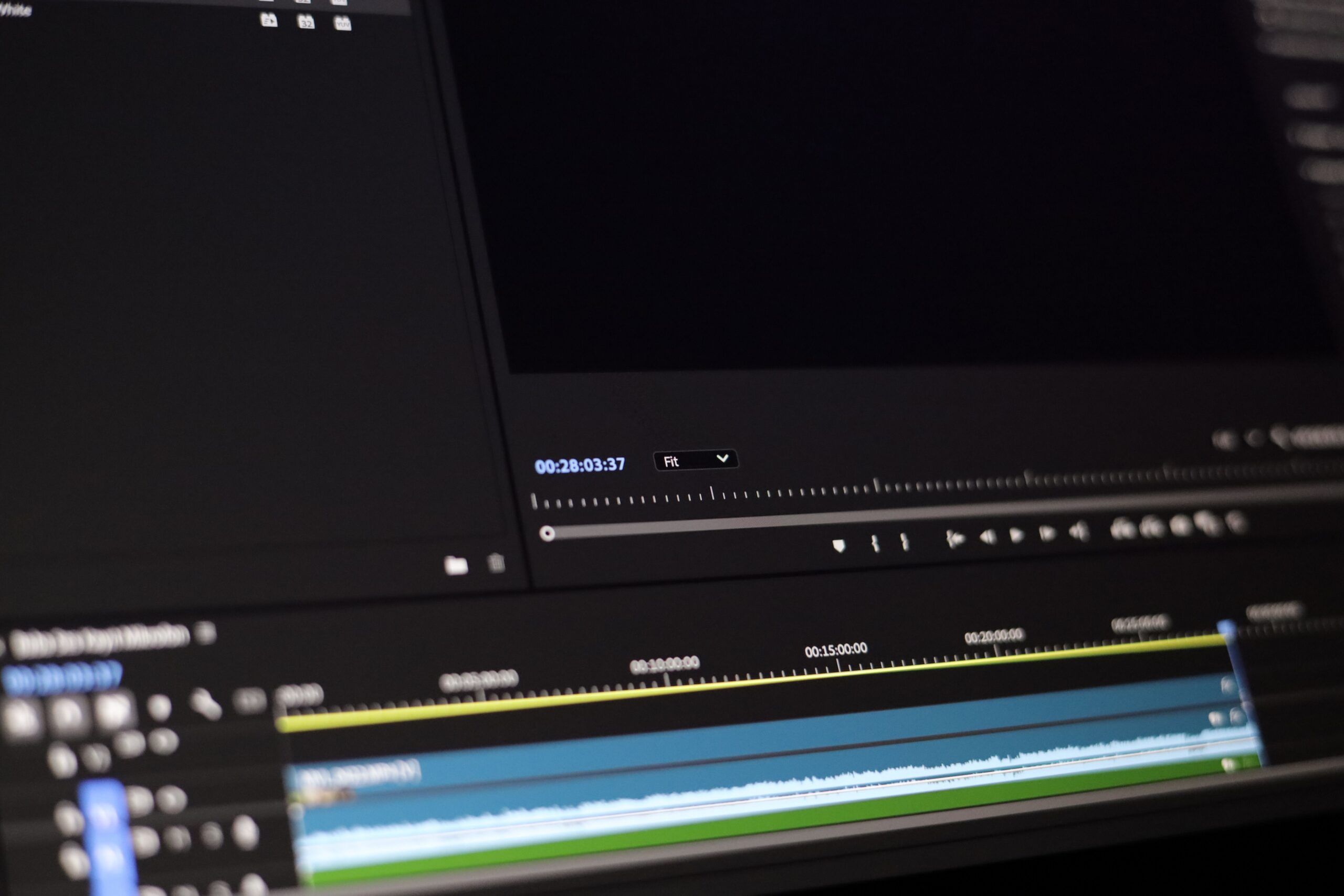
This is the quiet workhorse. AI cuts silences, adds captions automatically, removes background noise, reframes footage for vertical formats, and generates clips from a longer video. Most of the practical time savings in 2026 sit right here.
Notice the pattern. The most reliable value is not in generating footage from nothing. It is in the editing layer, where AI removes the tedious hours around work you already shot or wrote.
What AI video costs in 2026
Pricing moves fast, so treat these as rough bands, not quotes. Most tools use monthly credits, which you spend per generation or per render minute.
| Tier | Who it fits | What you get | Rough monthly cost |
|---|---|---|---|
| Free | Testing one idea | Limited credits, watermarked output, lower resolution | $0 |
| Starter | A single owner trying to publish regularly | Some minutes a month, HD output, avatars and editing basics | ~$10-30 |
| Professional | A business producing several videos a week | More minutes, 4K, no watermark, better avatars, team seats | ~$50-100 |
| Agency | A team or an agency client work | High volume, API access, brand kits | $200+ |
A realistic small business setup in 2026 is a starter or a low professional plan, plus a free or cheap editing tool for the fine-tuning. Total spend lands around $30 to $60 a month, which is still a fraction of one traditional shoot.
What still looks bad: knowing the limits
Being honest about the current weaknesses saves you from posting something that hurts more than it helps.
People and hands. Generated faces have improved a lot, but hands, teeth, and fast motion still betray the model. If your video needs a close-up of a person, prefer an avatar or a real recording.
Niche physical detail. AI video struggles with branded products, specific machinery, or accurate logos. Do not let a model invent your product; show the real thing.
Factual claims and audio. Synthesized voiceovers mispronounce names and numbers. For anything involving prices, dates, or legal language, record a human or verify every word.
Consistency across clips. Generate the same prompt twice and you get two different scenes. For a series that must look cohesive, lock the style in the prompt and reuse it every time.
None of these are reasons to skip AI video. They are reasons to know where the tool is strong and where it is not.
The 5 types of video worth making with AI
Not every video format benefits equally. These five give the best return on a small budget.
| Video type | AI strengths | Best AI approach |
|---|---|---|
| Product explainer | Script, voiceover, B-roll | Write the script, record real product shots, AI for captions and polish |
| Social ads | Speed, variations, A/B testing | Generate 3-4 hook variations and test them cheaply |
| Educational clips | Presentation-style, screenshots | AI avatar or voiceover over real screen recordings |
| Testimonial-style | Layout, captions, cut-downs | Record real customers, use AI to clip and caption highlights |
| Announcements | Fast turnaround, consistent format | Avatar presenter, reuse a locked template every time |
The throughline: use AI for the repetitive parts, not for your core identity. Your product and your customers stay real.
How to set up AI video for your business in one afternoon
You do not need a rollout plan. You need a few hours and one clear video.
1. Pick the video that matters most
Choose the format that directly moves a metric you already track: the explainer that answers your most common question, or the ad variation for your best offer. One video, done well, teaches you everything.
2. Write a specific script
Give the tool your product name, your audience, your exact claim, and the call to action. A precise script is what separates a useful video from an AI-sounding one.
3. Choose footage honestly
Use generated B-roll for atmosphere and your own phone footage for anything that involves your actual product. Mixing both is the fastest way to look professional without looking fake.
4. Let the editing layer do the heavy lifting
Auto-captions, silence removal, vertical reframing. These features alone justify the subscription and they are the least risky part of the stack.
5. Publish, measure, iterate
Post it, look at the hook retention in the platform’s analytics, and change the first three seconds. Then make the next variation.
AI video mistakes that quietly hurt small brands
The failure modes are predictable. Here is what to avoid.
Publishing unedited output. The first generation is a draft, never a final. Every fake hand or mispronounced name you ship is a small credibility tax.
Using AI where trust matters. Testimonials, product demos, and anything a buyer relies on should feature real people and real footage. AI is for reach and efficiency, not for pretending your customers said something.
Ignoring captions. Most social video is watched muted. If your AI tool auto-captions, use it, and check the spelling of your brand name in the output.
One tool, no process. The best workflows combine a generation tool, an editing tool, and a review step. Do not fall in love with a single vendor.
Forgetting the human review. Before anything publishes, a human who knows your business should watch it with the sound on. That 10-minute check is your real quality gate.
How AI video fits the rest of your marketing
AI video is a layer over the strategy you already have. Repurpose one long clip into five platform versions with automatic reframing and captions. Feed your content marketing topics into the script generator so the video and the article reinforce each other. Run the variations through your analytics to see which hook actually wins.
Used that way, AI video does not replace your marketing. It multiplies what you already publish, at a cost and a speed that finally fit a small budget.
FAQ
Is AI-generated video good enough for professional use in 2026?
For B-roll, backgrounds, captions, avatars, and editing, yes. For close-ups of real people, product accuracy, and high-stakes testimonials, use real footage. The professional result comes from combining both.
How much does AI video software cost for a small business?
Free tiers exist for testing, and a practical setup runs roughly $30 to $60 a month across a generation tool and an editing tool. That is a fraction of the cost of one traditional shoot.
Can I use AI video without any technical skills?
Yes. The tools are designed for non-editors. The skill that matters is writing a specific script, not operating the software.
Do platforms flag AI-generated videos?
Disclosure rules vary by platform and region, and they change. When in doubt, label synthetic content clearly. Transparency is also better for your brand than getting caught.
Will AI video replace video editors?
It replaces the tedious hours, not the craft. Editors are shifting from cutting footage to directing AI tools and protecting quality, which is exactly the review role your brand still needs.
Conclusion: make one video this week
The barrier to video has never been lower, and the tools will only keep improving. Pick the single video that would move a metric you already care about, write a specific script, generate the B-roll, and edit it with auto-captions. Publish it, watch the first three seconds, and iterate.
Your checklist:
- Choose one video tied to a metric you track.
- Write a specific script with a clear call to action.
- Use generated footage for atmosphere, real footage for your product.
- Auto-caption and check brand spelling.
- Have a human review with sound on before publishing.
- Measure hook retention and make one variation.
Article updated: August 2026.